


Black Forest Labs · released October 15, 2026

FLUX 3 Image Klein

Describe a scene and Klein draws it, or attach your own photos and describe the change. One model, in the browser, no setup.

0 / 2000
Try:
Product photo
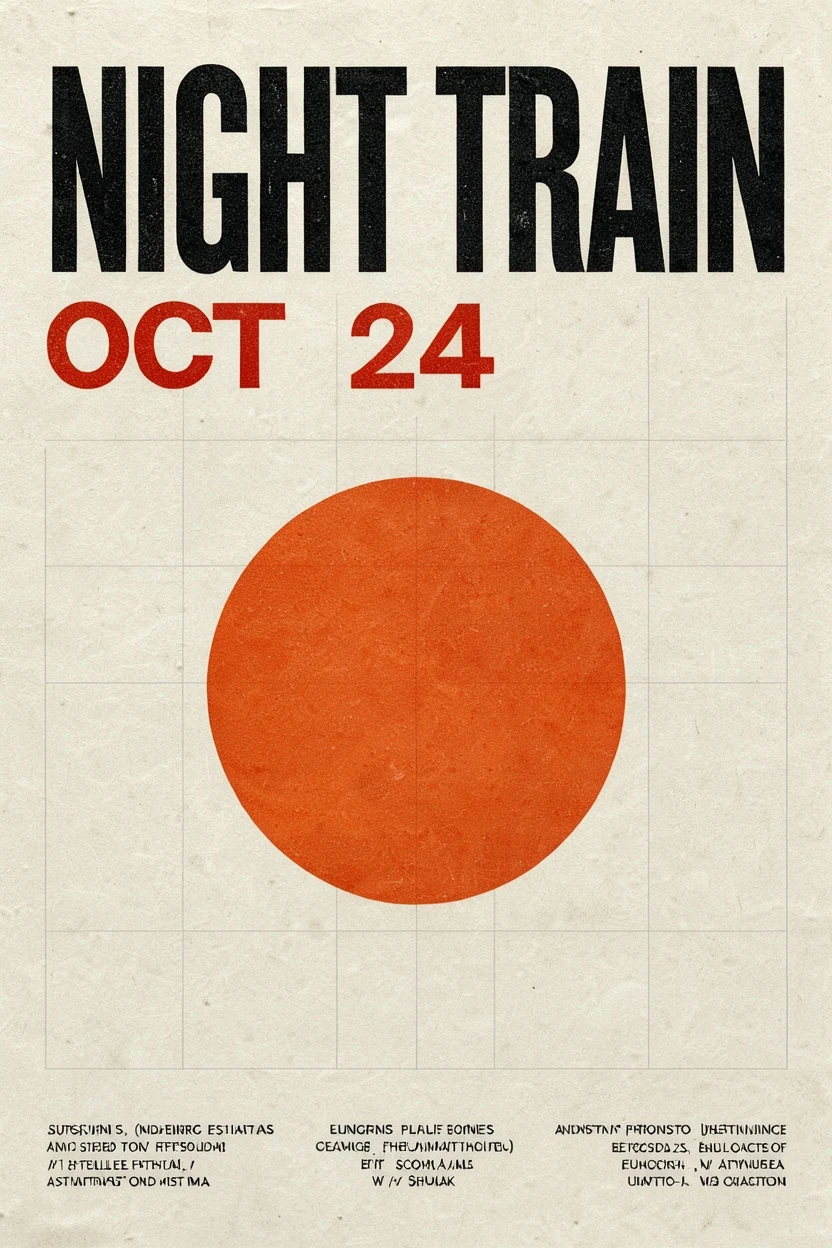
Typographic poster
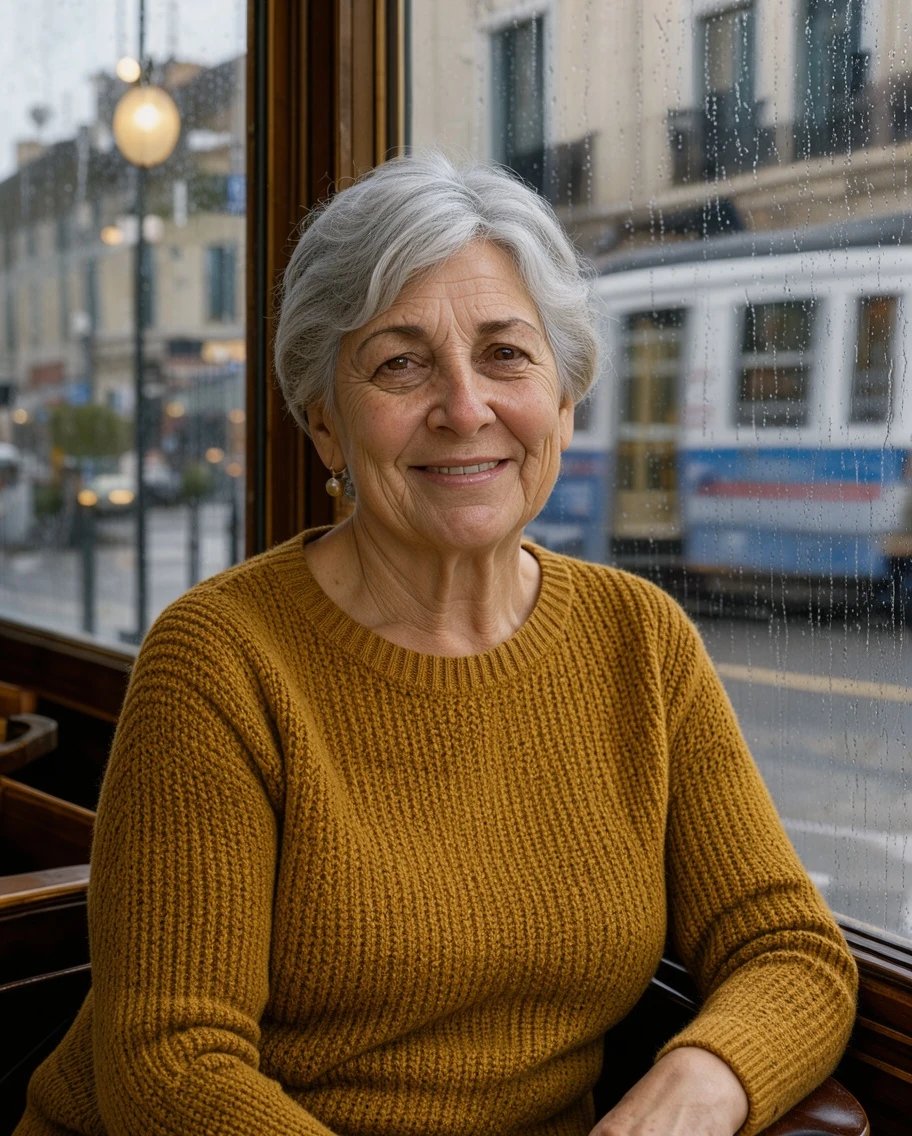
Editorial portrait
Food styling
Generate and edit in one boxUp to 3 reference imagesPrompt Library built in

FLUX 3 Image Klein examples

Every image below was made with FLUX 3 Image Klein on this site. Open a card to read the full prompt, copy it, or send it to the generator.

Why use FLUX 3 Image Klein here

The official model page gives you weights, licensing and docs. This is the part where you just make the image.

A Prompt Library inside the generator

Klein follows long, specific scene descriptions far better than short keyword lists. Open the library, drop a tested prompt into the box and edit the details instead of starting from a blank line.

Generating and editing in the same box

Without images, Klein creates a new picture. Attach up to three of your own and the same model edits or combines them — call them <ref_image_1>, <ref_image_2> and <ref_image_3> in the prompt to say which item goes where.

Queue the next variation while one renders

Change the light, swap the background, try another headline. Line up several versions of a prompt and compare them side by side instead of waiting on each one.

Nothing to install, ten languages

No GPU, no node graph, no API key. Sign in, write a prompt, download the result. The generator, the examples and the help pages all follow your language.

How to use FLUX 3 Image Klein

Three steps from an idea to a finished image.

1

Describe the whole scene

Write what is in the frame, how it is framed, the background and the light. Put any words that must appear in the image inside quotes.

2

Add reference images when you have them

Attach one to three photos of a product, a person or a style. Refer to them as <ref_image_1> and so on, and say where each one belongs.

3

Generate, compare, refine

Pick an aspect ratio and generate. Keep the version you like, then change one detail at a time until it is right.

Prompt tips for stronger Klein results

  • One or two full sentences beat a list of keywords — Klein was trained on scene captions.
  • Name the camera and the light: "85mm portrait, soft window light from the left".
  • Keep text short and in quotes, and check the spelling before you publish.
  • When editing, say what must stay the same: "keep the table, the light and the shadows unchanged".

What people make with FLUX 3 Image Klein

Jobs where this model does well.

Product photos for shops and ads

Start from a photo of your own product and place it on a new surface, in a new room or under different light.

Posters, covers and social graphics

Short headlines, dates and labels rendered as part of the design, ready for a quick layout pass.

Editorial and lifestyle images

Portraits, food and interiors with a specific camera, film look and time of day.

Combining items from several photos

Put the bottle from one photo on the counter from another and match the light, using two or three references.

Illustration and concept frames

Flat vector scenes, children's book pages and mood frames with room left for a title.

FLUX 3 Image Klein FAQ

The questions people ask before they start.

What is FLUX 3 Image Klein?
FLUX 3 Image Klein is a 5.6B-parameter open-weight image model released by Black Forest Labs on October 15, 2026. One model handles both text-to-image and image editing. This site provides hosted generation using the distilled version, which BFL tuned to generate in 16 steps. You access it through your browser; the model runs on servers.
How is it different from FLUX 3 Image and FLUX.2 Klein?
FLUX 3 Image is the flagship image model of the FLUX 3 family. FLUX.2 Klein is the previous generation of the small Klein models. FLUX 3 Image Klein is the new small open-weight member of FLUX 3, and it is the only model on this site.
Can I edit my own photos with it?
Yes. Attach a photo in the generator and describe the change — for example "replace the mug with a matte black one, keep the table and the light unchanged". With a reference attached the same model switches from generating to editing.
How many reference images can I use?
Up to three per generation here. Black Forest Labs' own API accepts more; the limit on this site is three.
Can I control where things appear in the image?
Yes. Refer to each reference as <ref_image_1>, <ref_image_2> or <ref_image_3> and say where it belongs, such as "place the bottle from <ref_image_2> on the left side of the counter in <ref_image_1>".
Why do my short prompts look flat?
Klein is tuned for full scene descriptions, and Black Forest Labs notes that very short prompts give weaker results. Describe the subject, framing, background and light in one or two sentences, or start from a prompt in the Prompt Library.
Can FLUX 3 Image Klein put readable text in an image?
Short headlines, dates and labels usually come out well when you put them in quotes. Long paragraphs are less reliable, so check the spelling before you use the image.
What resolution and aspect ratios can I get?
You can choose 1K or 2K output and one of fifteen aspect ratios, from 1:1 and 4:5 to 16:9 and 21:9.
Can I try it before paying?
Yes. New accounts get free credits after signing in, enough for a few prompts. After that you can pick a plan on the pricing page.
Can I use the images commercially?
Commercial use depends on our Terms of Service and your plan; review both for the permissions and restrictions that apply to your use. The FLUX Kommunity License covers running the open weights yourself and is a separate matter.
Can I download the weights or run it locally?
Not from this site. Black Forest Labs publishes the weights on Hugging Face. This site is for people who want to use the model without installing anything.

FLUX 3 Image Klein pricing

Start with the free credits you get after signing in, then choose a plan when you need more images.

Pricing

Choose your plan

Compare the available billing periods, prices and credit allowances below. Review the order details before paying.

Basic

10/month

1,000 credits + 200 credits

20% more credits than pay-as-you-go

(excl. tax)

Subscriber perks
  • Prompt Library full access
    Full access
  • AI prompt enhancement
    Included
  • Plan benefits
  • Guided Prompt Builder & Presets
  • Run up to 10 tasks at once
  • Batch Background Removal (Beta)
  • Email Support
  • FLUX 3 Image Klein · text-to-image and image editing
Subscription advantages
  • Up to 50% more credits than pay-as-you-go
  • Unused credits roll over for one extra billing period
  • Keep files permanently while subscribed
  • Credits every month — or a full year at once
  • Failed generations are refunded automatically
  • FLUX 3 Image Klein · text-to-image and image editing
Best value

Pro

20/month

2,000 credits + 600 credits

30% more credits than pay-as-you-go

(excl. tax)

Subscriber perks
  • Prompt Library full access
    Full access
  • AI prompt enhancement
    Included
  • Plan benefits
  • All Basic Features
  • Run up to 20 tasks at once
  • Priority Support
  • FLUX 3 Image Klein · text-to-image and image editing
Subscription advantages
  • Up to 50% more credits than pay-as-you-go
  • Unused credits roll over for one extra billing period
  • Keep files permanently while subscribed
  • Credits every month — or a full year at once
  • Failed generations are refunded automatically
  • FLUX 3 Image Klein · text-to-image and image editing

Max

50/month

5,000 credits + 2,500 credits

50% more credits than pay-as-you-go

(excl. tax)

Subscriber perks
  • Prompt Library full access
    Full access
  • AI prompt enhancement
    Included
  • Plan benefits
  • All Pro Features
  • Unlimited concurrent tasks
  • Dedicated Support
  • FLUX 3 Image Klein · text-to-image and image editing
Subscription advantages
  • Up to 50% more credits than pay-as-you-go
  • Unused credits roll over for one extra billing period
  • Keep files permanently while subscribed
  • Credits every month — or a full year at once
  • Failed generations are refunded automatically
  • FLUX 3 Image Klein · text-to-image and image editing
Not ready to subscribe?

Credits per image

Credit costs for FLUX 3 Image Klein, by resolution and reference count.

Credit costs for FLUX 3 Image Klein, by resolution and reference count.
Operation1K · credits / image2K · credits / image
Text-to-image · no references28
Edit · 1 reference image413
Edit · 2 reference images515
Edit · 3 reference images617

Each row shows the cost of one output image. Plan image estimates use 1K text-to-image at 2 credits per image.

Try FLUX 3 Image Klein with your next idea

Write one full sentence about the image you want and see what Klein does with it.

Open the generator